 Air Fryers
 Blenders
 Coffee machines
 Cutters and grinders
 Grills
 Irons
Irons Kettles
 Mixers & Food Processors
 Ovens & Microwaves
 Vacuum Cleaners
 Water Dispenser
 Hair Care
 Shampoo & Conditioner
 Lips
Lips Makeup
 Face
Face Foundations
 Powders
 Preserved Flowers
 Cookware
 Food & Beverage Containers
 Body Lotions
 Cleansers & Face Wash
 Moisturizers
 Sun Care


 Egypt
Egypt
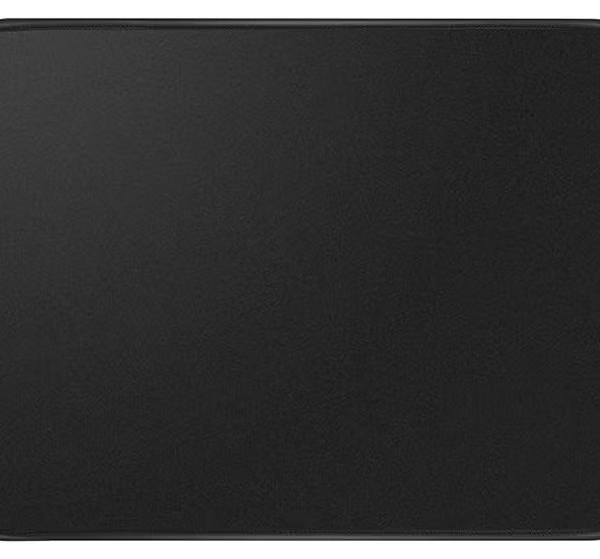
Mouse Pad with Stitched Edge, Non-Slip Rubber Base, Premium-Textured and Waterproof Mousepad for Computers, Laptop, Office and Home, 260x210x3mm, Black
Original price was: AED 22.AED 14Current price is: AED 14.
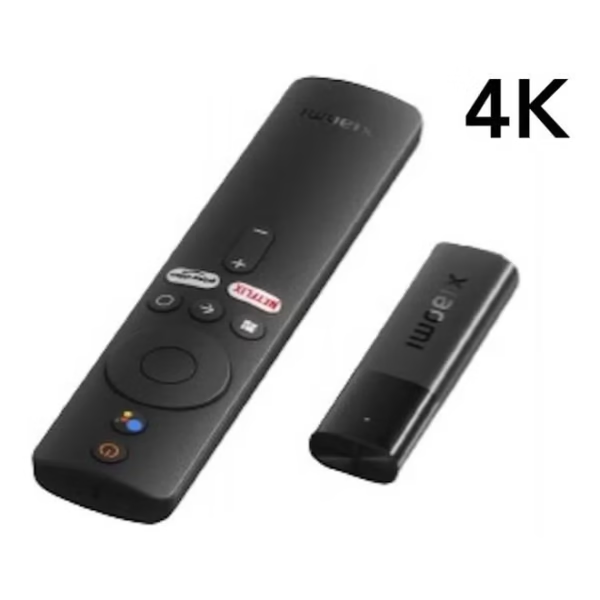
Xiaomi Mi TV Stick 4K Ultra HD Streaming Device, Android TV 11 with Google Assistant Voice Remote Control Streaming Media Player Black
Original price was: AED 220.AED 149Current price is: AED 149.
Sale
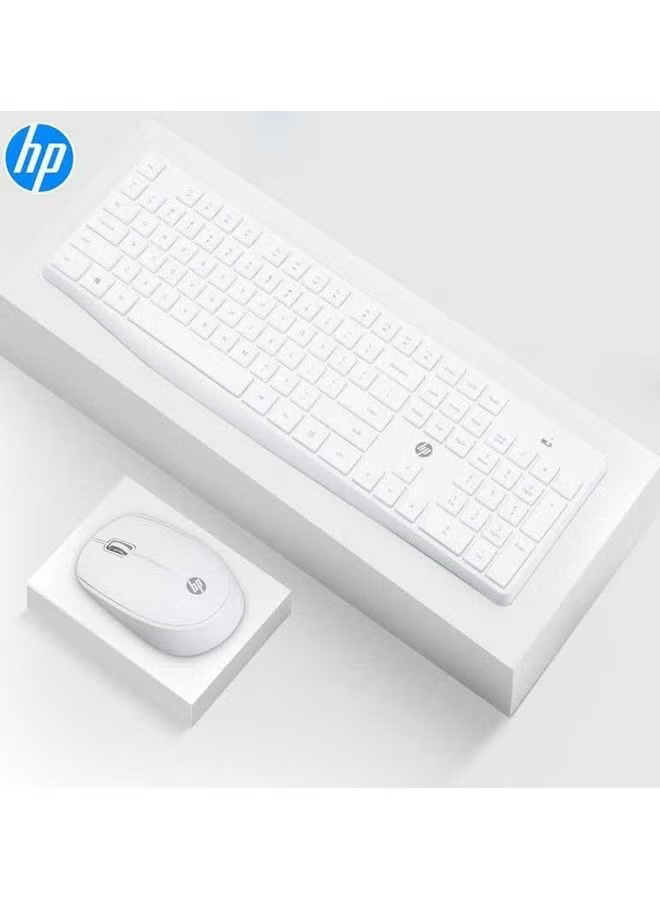
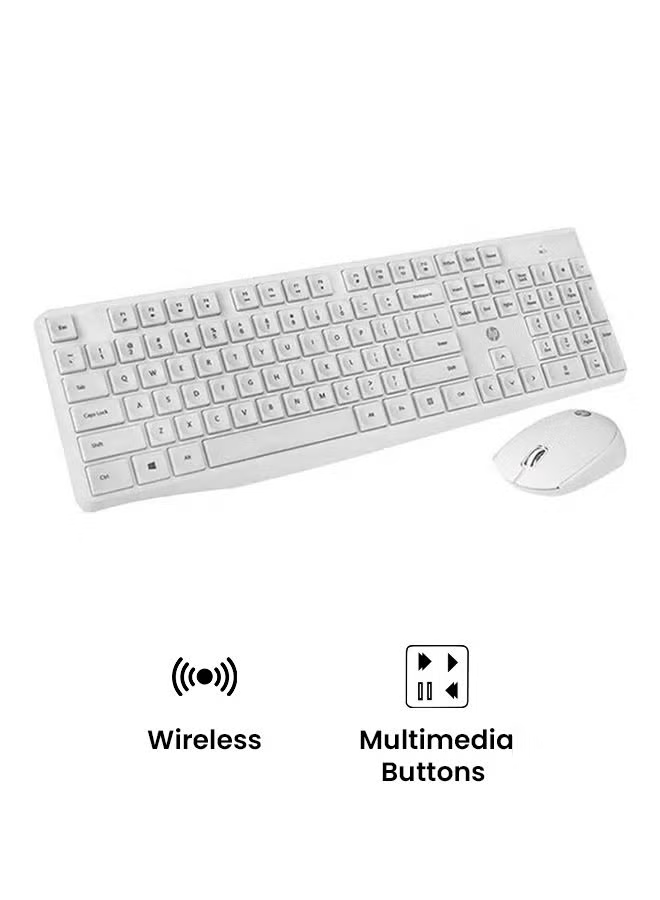
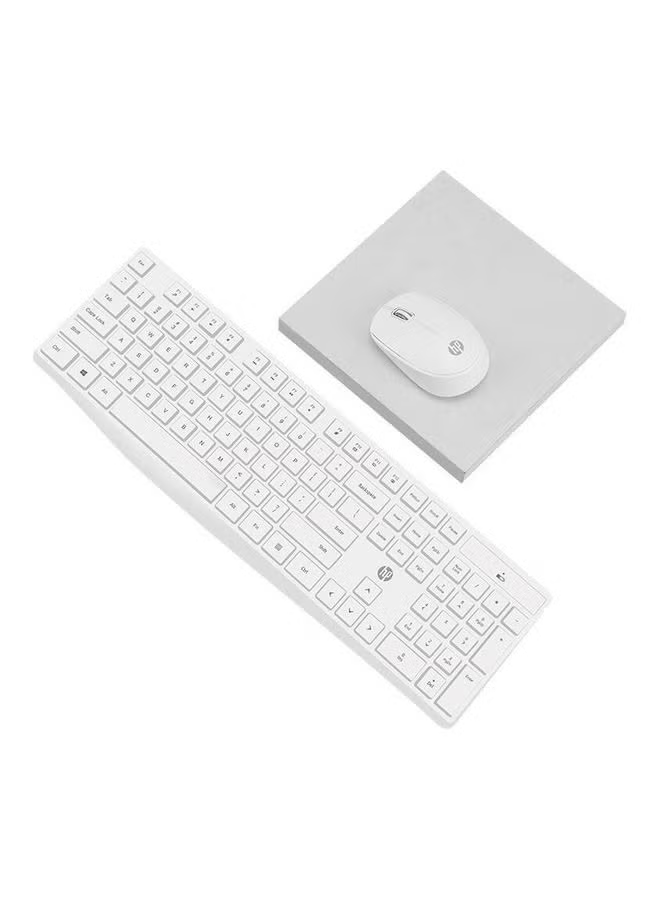
Ramadan Kareem 62% Off


In stock
-
 100% Original Product
-
 Secure Payments
-
 Cash On Delivery
-
 Fast Delivery
-
 Returns Policy
 Add AED 150 to cart and get free shipping!
Description
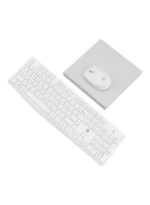
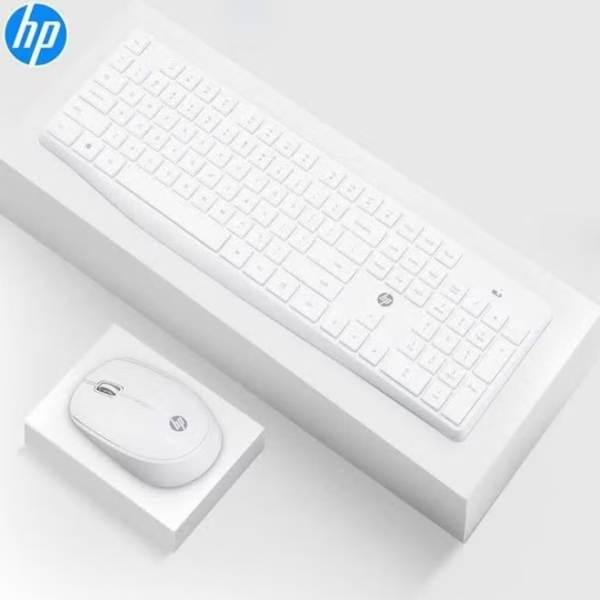
A computer keyboard is a peripheral input device modeled after the typewriter keyboard.which uses an arrangement of buttons or keys to act as mechanical levers or electronic switches. Replacing early punched cards and paper tape technology, interaction via teleprinter-style keyboards have been the main input method for computers since the 1970s, supplemented by the computer mouse since the 1980s.Keyboard keys typically have a set of characters engraved or printed on them, and each press of a key typically corresponds to a single written symbol. However, producing some symbols may require pressing and holding several keys simultaneously or in sequence.While most keys produce characters (letters, numbers or symbols), other keys (such as the escape key) can prompt the computer to execute system commands. In a modern computer, the interpretation of key presses is generally left to the software: the information sent to the computer, the scan code, tells it only which physical key (or keys) was pressed or released.In normal usage, the keyboard is used as a text entry interface for typing text, numbers, and symbols into application software such as a word processor, web browser or social media app.While typewriters are the definitive ancestor of all key-based text entry devices, the computer keyboard as a device for electromechanical data entry and communication derives largely from the utility of two devices: teleprinters (or teletypes) and keypunches. It was through such devices that modern computer keyboards inherited their layouts.As early as the 1870s, teleprinter-like devices were used to simultaneously type and transmit stock market text data from the keyboard across telegraph lines to stock ticker machines to be immediately copied and displayed onto ticker tape.The teleprinter, in its more contemporary form, was developed from 1907 to 1910 by American mechanical engineer Charles Krum and his son Howard, with early contributions by electrical engineer Frank Pearne. Earlier models were developed separately by individuals such as Royal Earl House and Frederick G. Creed.Earlier, Herman Hollerith developed the first keypunch devices, which soon evolved to include keys for text and number entry akin to normal typewriters by the 1930s.The keyboard on the teleprinter played a strong role in point-to-point and point-to-multipoint communication for most of the 20th century, while the keyboard on the keypunch device played a strong role in data entry and storage for just as long. The development of the earliest computers incorporated electric typewriter keyboards: the development of the ENIAC computer incorporated a keypunch device as both the input and paper-based output device, while the BINAC computer also made use of an electromechanically controlled typewriter for both data entry onto magnetic tape (instead of paper) and data output.The keyboard remained the primary, most integrated computer peripheral well into the era of personal computing until the introduction of the mouse as a consumer device in 1984. By this time, text-only user interfaces with sparse graphics gave way to comparatively graphics-rich icons on screen. However, keyboards remain central to human-computer interaction to the present, even as mobile personal computing devices such as smartphones and tablets adapt the keyboard as an optional virtual, touchscreen-based means of data entry.
Highlights
- Professional Optical sensor with direct DPI switch 800/1200/1600 dpi
- Smooth responsive cursor control with easy scrolling Designed for professional or gaming use
- Ambidextrous keyboard perfect for both your left and right hand.
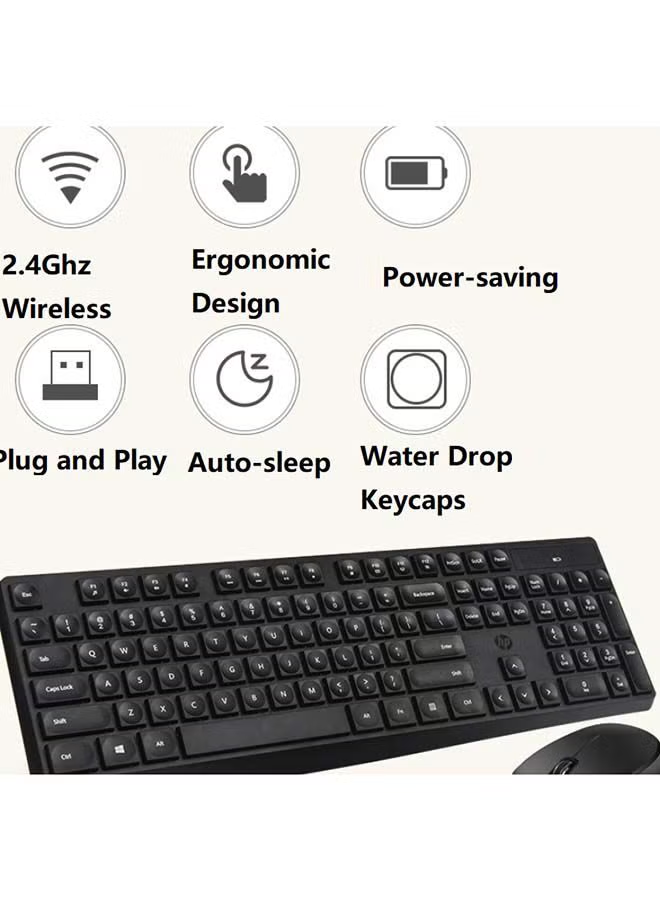
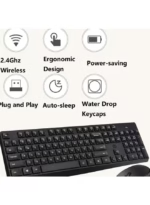
- 2.4 GHz Wireless Connection Ergonomic Design Energy and Electricity Saving Plug and Play Intelligent Dormancy Drop Key Cap HD Laser Engraving Fonts Comfortable Experience Special Hand Feel
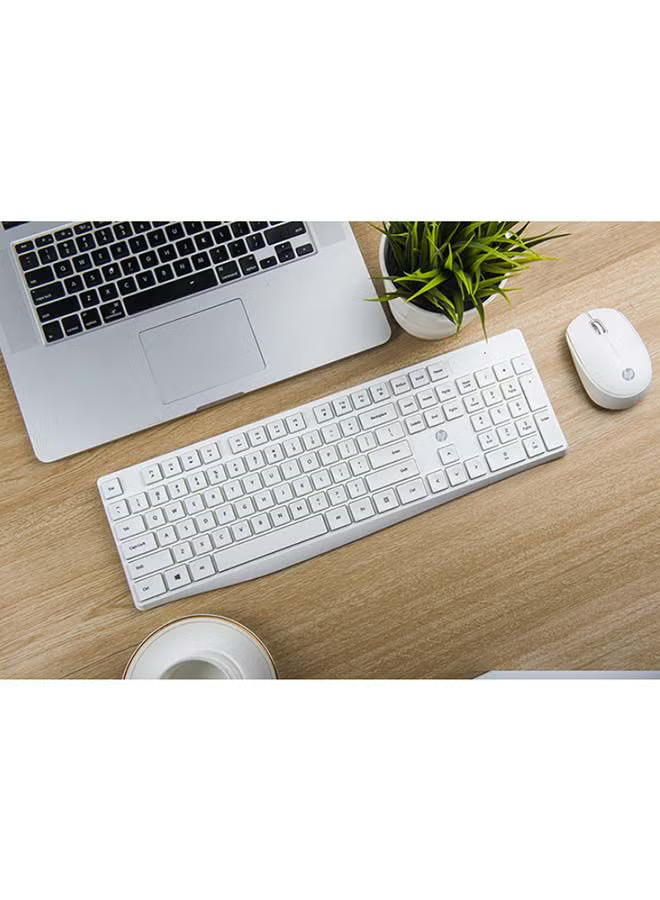
- Stylish Ultra-Slim design Keyboard & Mouse Sealed membrane for overall protection Brush metal finish Advanced controls
Reviews (0)
You must be logged in to post a review.
Shipping & Delivery
Shipping & Delivery
We process and ship all orders promptly. Your order will be delivered within 1-3 business days.
- Fast & Reliable: Every order is handled with care to ensure it reaches you on time.
- Order Tracking: Once your order is shipped, you will receive a tracking number to monitor your package.
- Safe Packaging: Your items are securely packed to arrive in perfect condition.
- Customer Support: For any questions or assistance, our friendly support team is ready to help.
Other Products You May Like
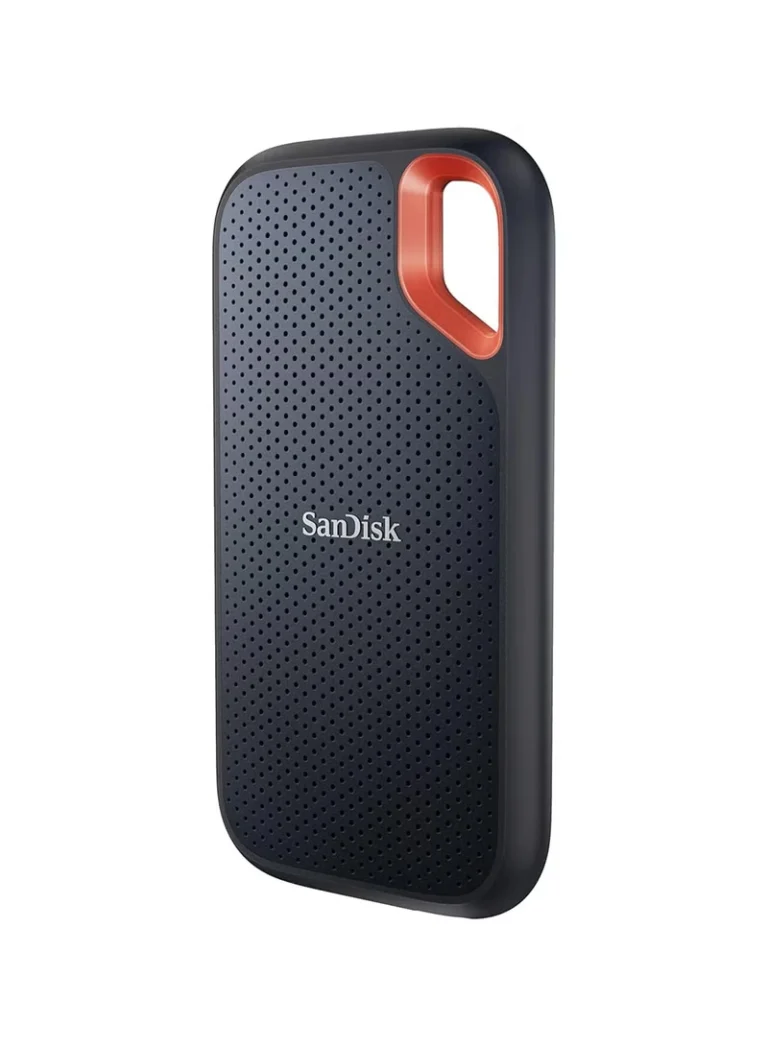
Original price was: AED 950.AED 879Current price is: AED 879.
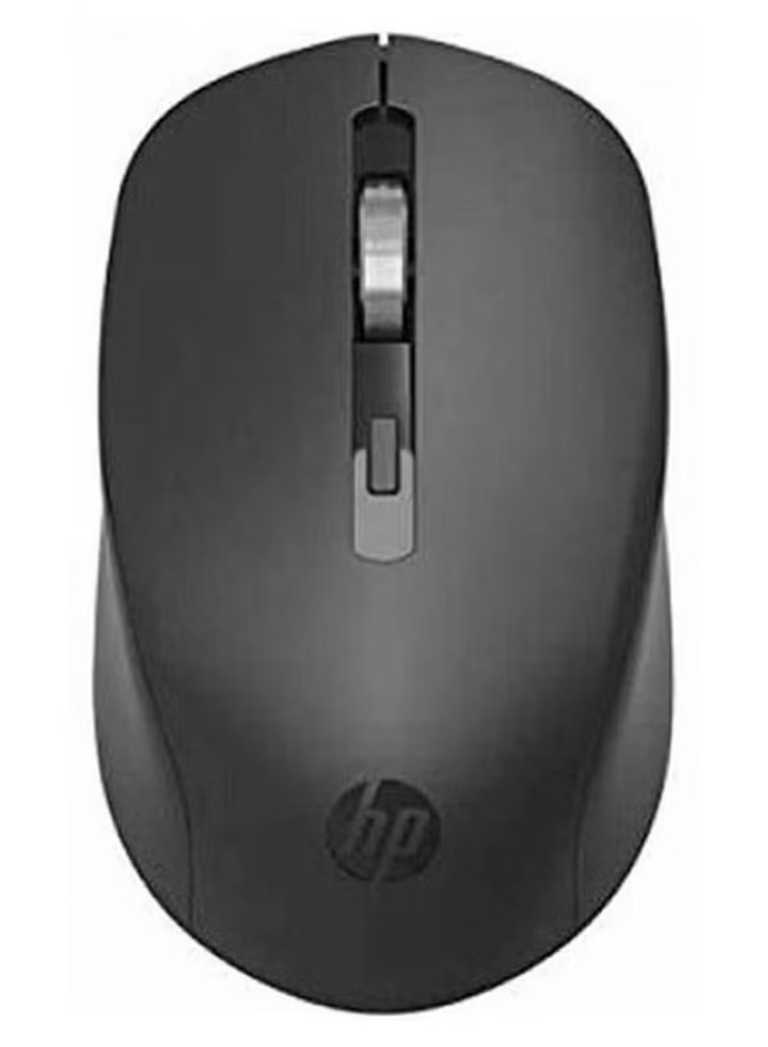
Original price was: AED 50.AED 27Current price is: AED 27.

Original price was: AED 80.AED 59Current price is: AED 59.
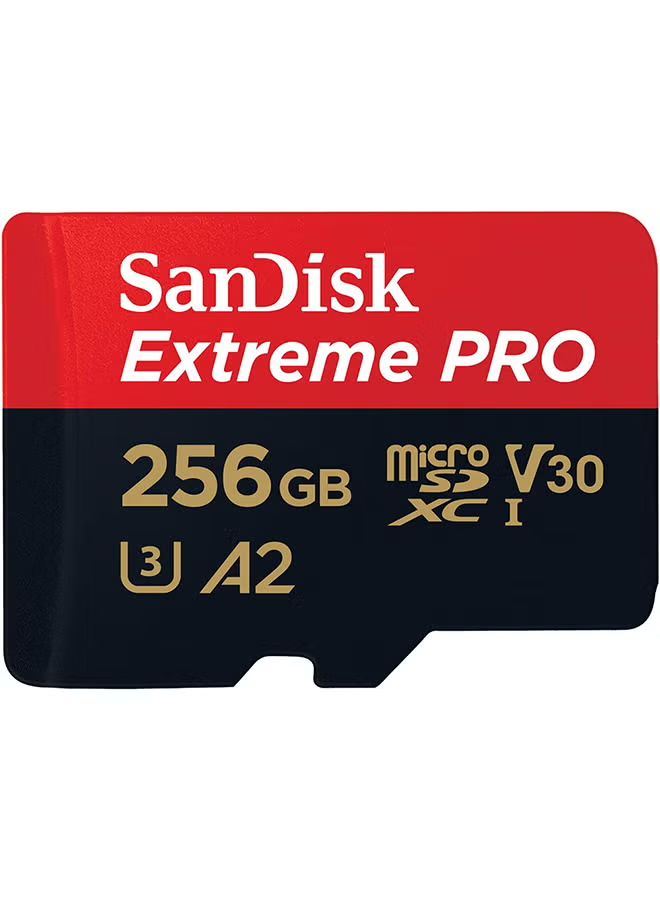
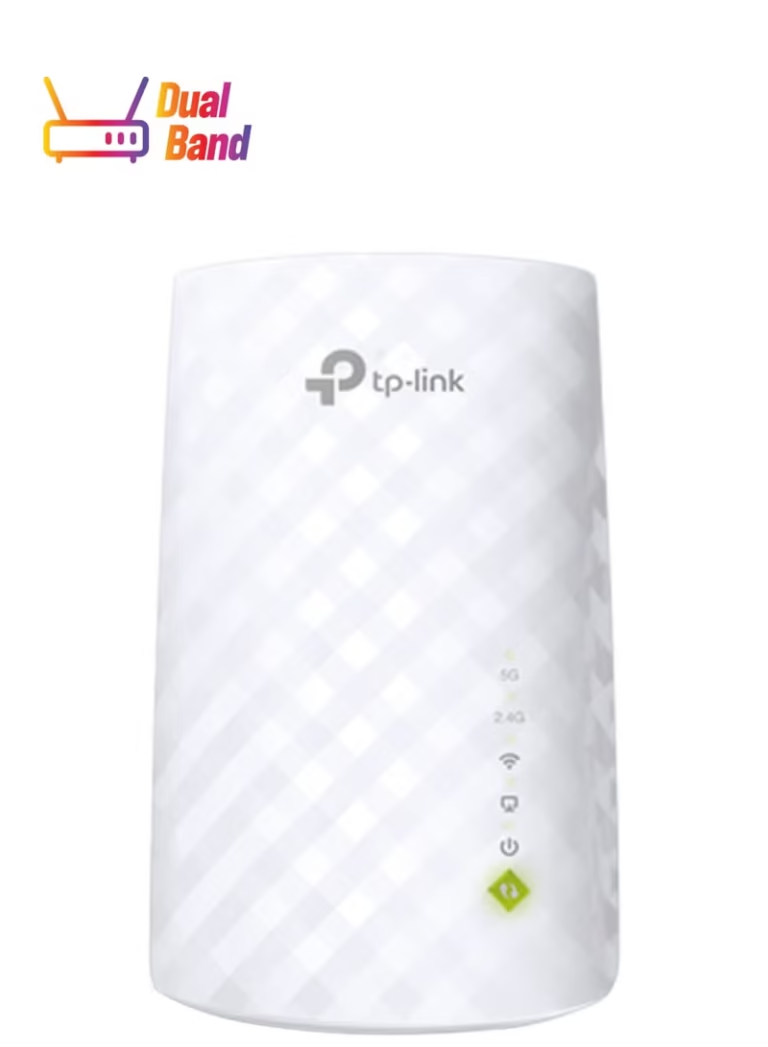
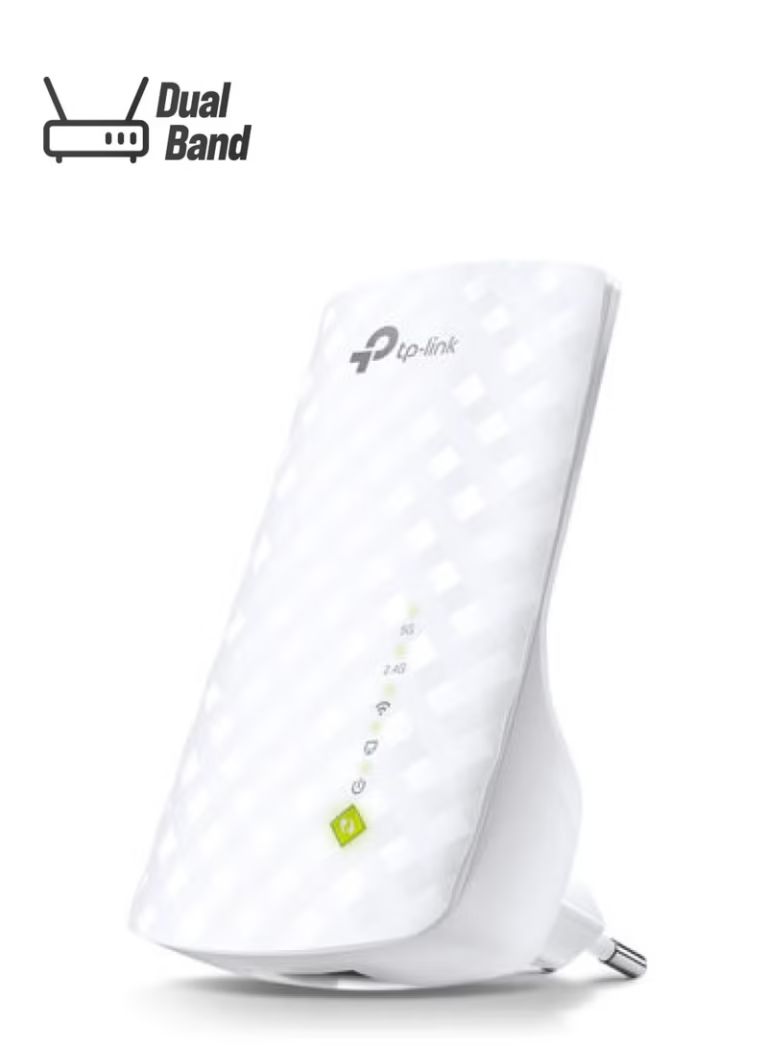
TP-LINK RE200 AC750 Dual Band Mesh Wi-Fi Range Extender 433 Mbps 5GHz and 300Mbps 2.4GHz Speed White
Original price was: AED 150.AED 69Current price is: AED 69.
Other Similar Products
Original price was: AED 400.AED 379Current price is: AED 379.
Original price was: AED 79.AED 24Current price is: AED 24.
Original price was: AED 45.AED 24Current price is: AED 24.
Original price was: AED 50.AED 24Current price is: AED 24.
Original price was: AED 500.AED 159Current price is: AED 159.
Original price was: AED 120.AED 84Current price is: AED 84.
Reviews
Clear filtersThere are no reviews yet.